Showing posts with label Singapore. Show all posts

Sunday, May 18, 2014

Review of MiWifi usb dongle


Those of us who participated in the Miui fan meet-up in Singapore were each given a free Miwifi usb dongle as a door gift.

In case you are wondering what you could be using this for, let us consider what it is supposed to do. In short, it allows any laptop or PC to wirelessly tether and share internet connection or transfer files to and from your smartphone.

This is useful if you are a frequent overseas traveller and find yourself in a hotel room with only an Ethernet LAN connection and no wifi. For example, many local hotels in China may only offer Ethernet LAN but not wifi in your room.
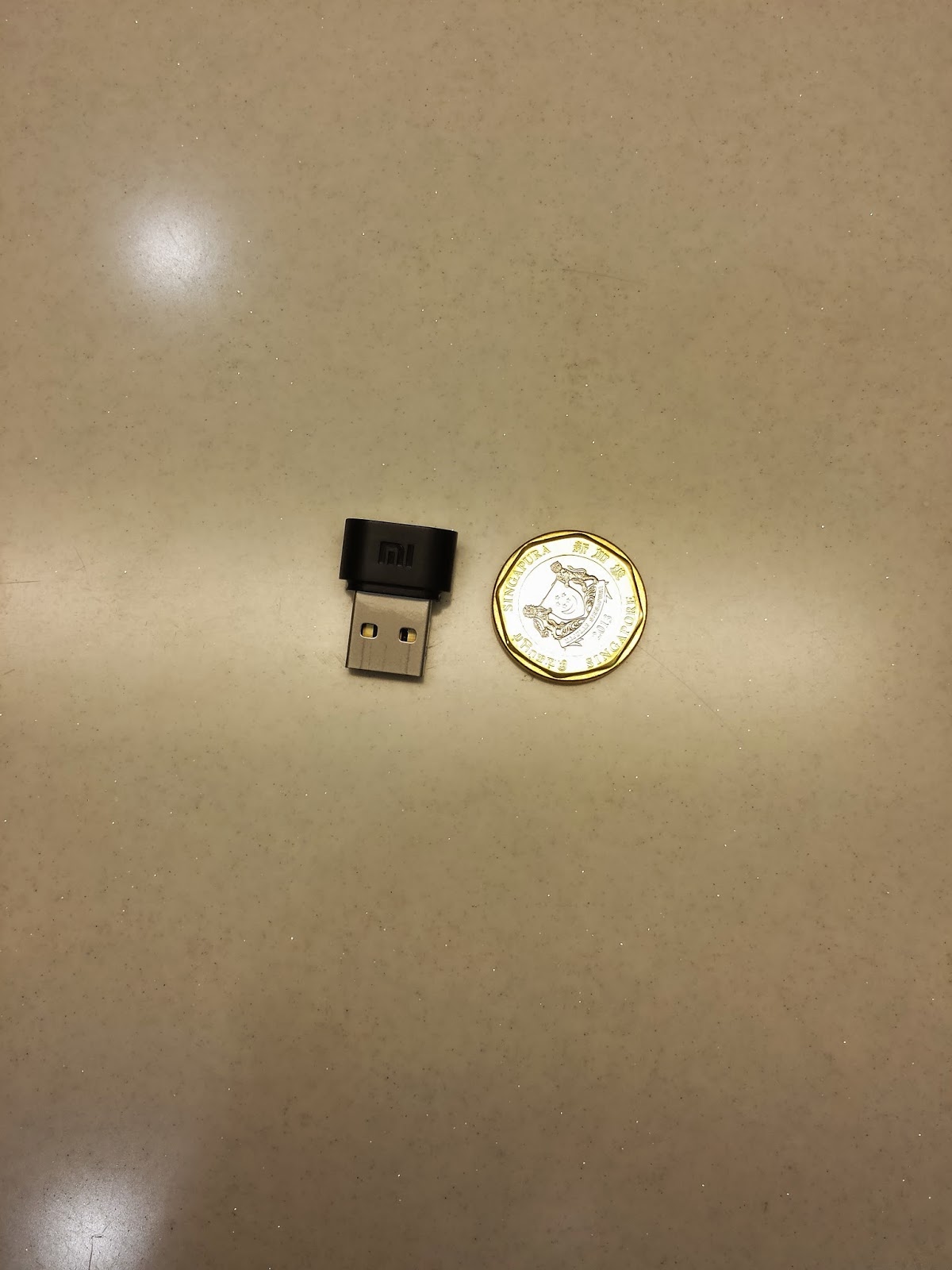

Miwifi beside a Singapore $1 coin.
The Miwifi is a small usb dongle that is very handy and portable for PCs and laptops. It does not require any external power, as it draws current from the usb port.


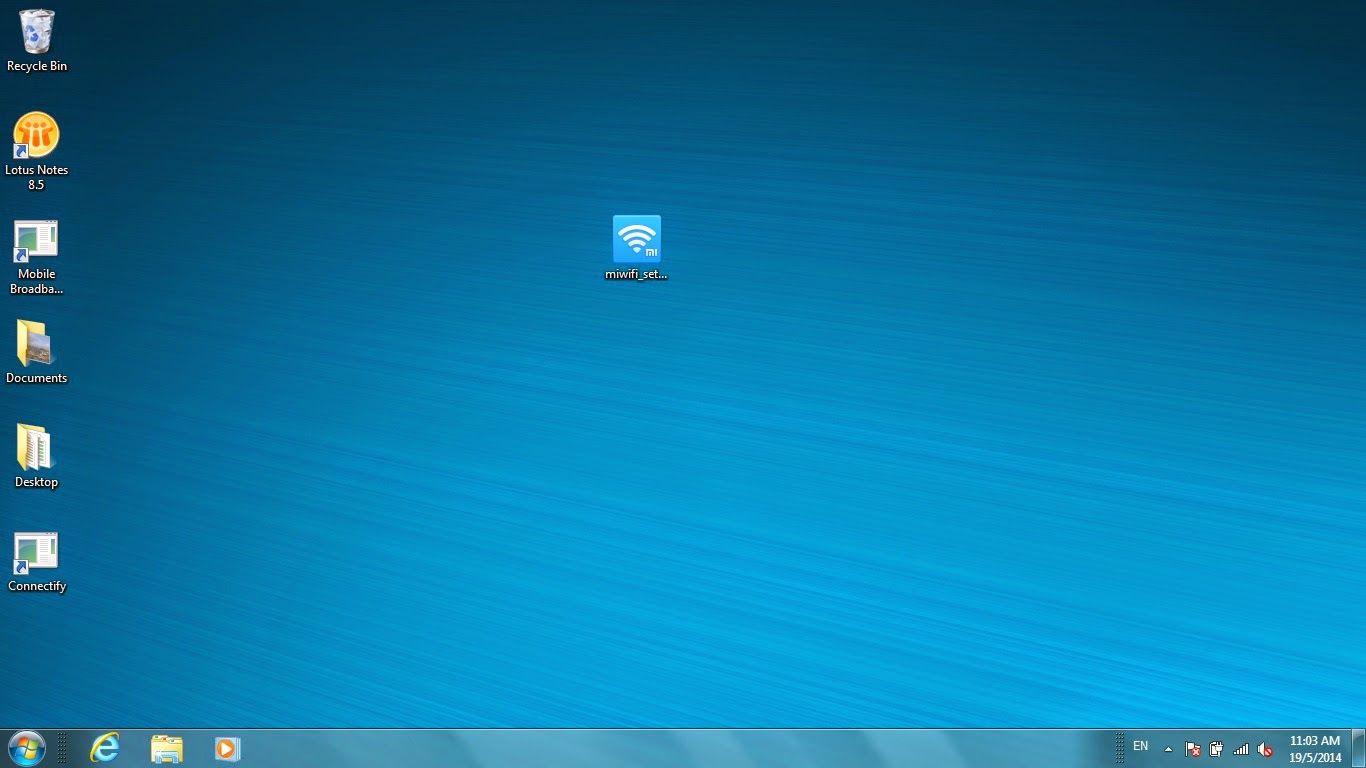
10.8 mb Set-up file sitting on my desktop.

A small .exe set-up file (10.8mb) is required to install the driver. This is downloadable from the Miwifi website here. Look for "download"("下载") , and "xiaomi portable wifi client" ("小米随身WiFi客户端").

The set-up will require administrator rights if your laptop is a corporate piece of equipment sitting behind a firewall. Unlike software-based solutions such as Connectify which I have previously tried with limited success (possibly due to driver incompatibility or firewall issues), I did not encounter any driver issues with the Miwifi. Miwifi driver installation is very straightforward and user-friendly.

Upon installation of the driver, plugging in the Miwifi will activate the UI as shown below.
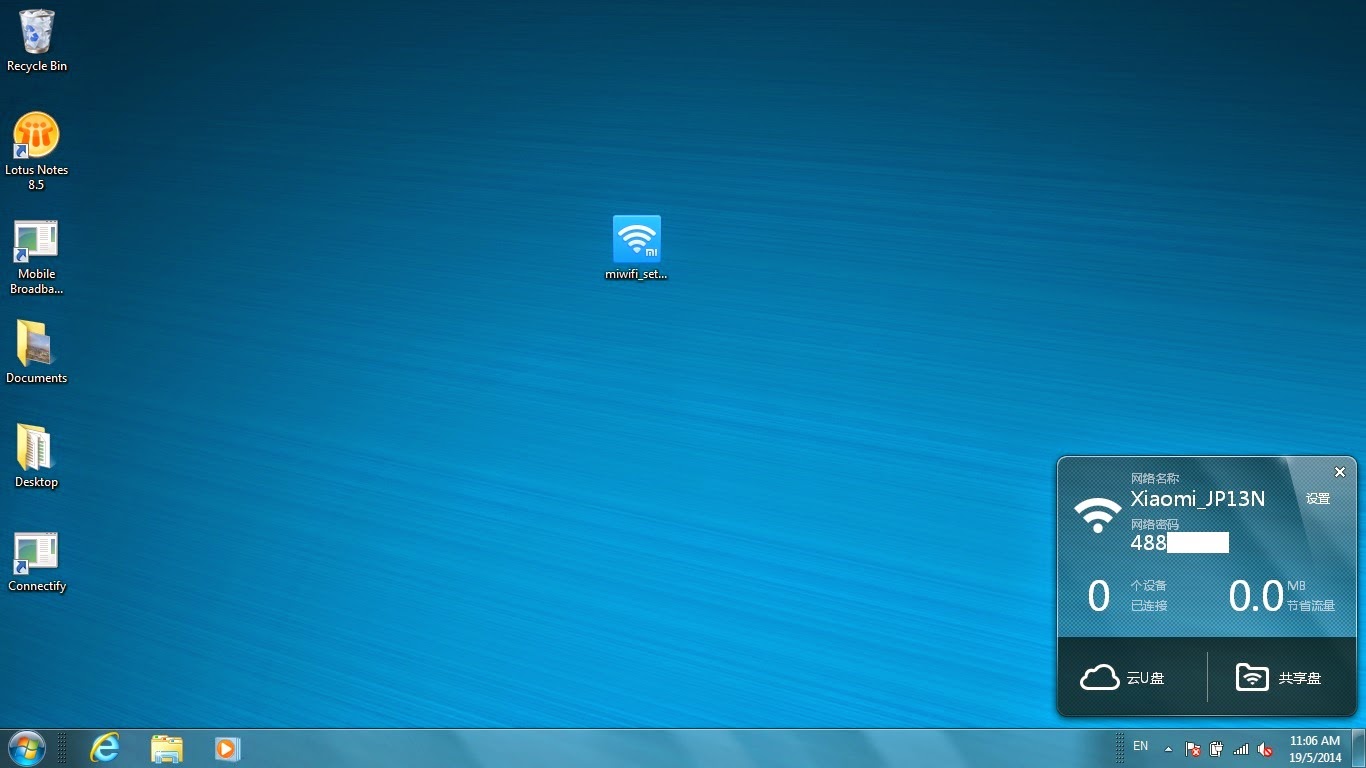

UI is well designed and sits in the task bar tray

Once the UI is activated, the Miwifi will have a secure wireless network (WPA2 PSK) and show the 8 digit pin for entry into your smartphone as the wifi password. Under settings ("设置"), the wireless network name and password can be changed and customised.

When unplugging the Miwifi, right clicking on the icon will call-up the UI and you can choose the option to ''safely unplug device" ("安全拔出设备")
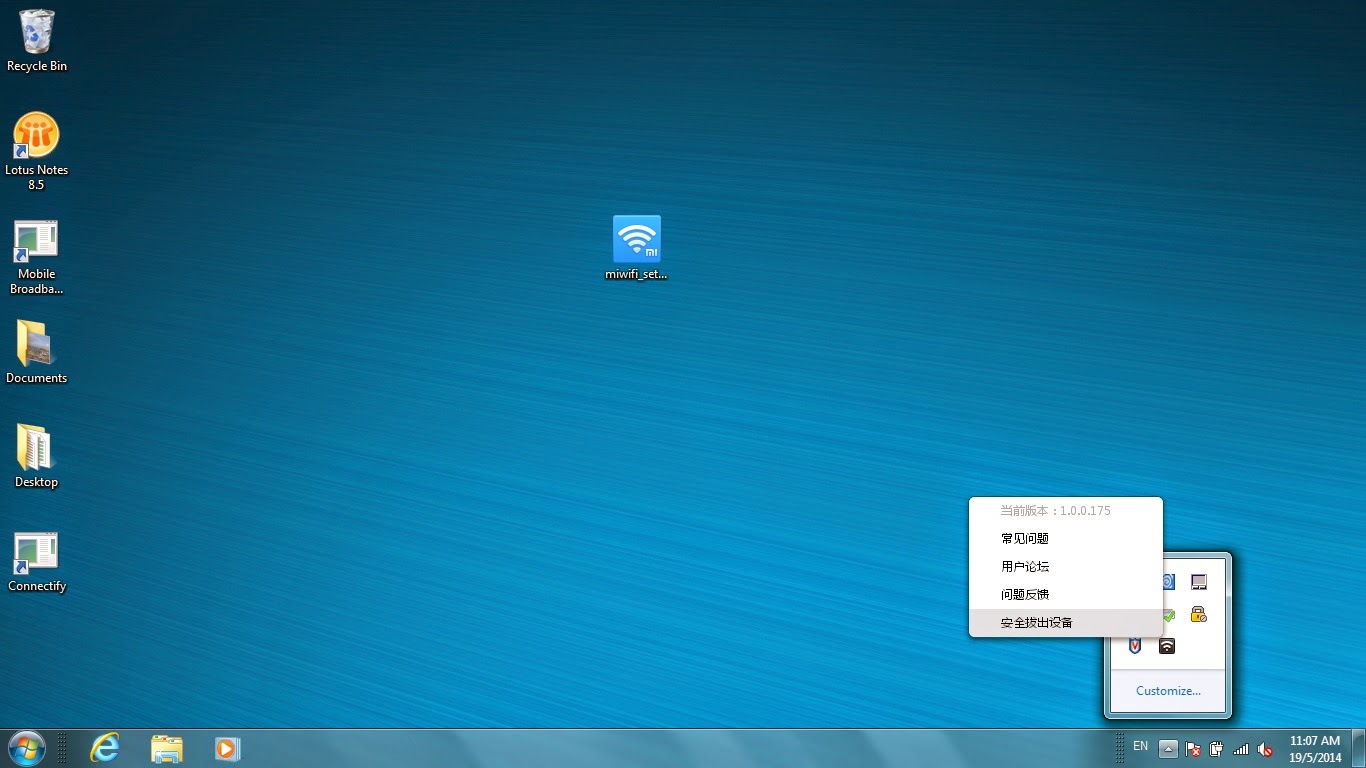

Like all USB devices, don't forget to right click and stop operations before unplugging

The driver version used here is 1.0.0.175.

 There is an option to connect to the Kingsoft (金山软件)-managed Kuaipan cloud storage (云U盘). However, access to Kuaipan may not be possible if there is a firewall.


Saturday, May 10, 2014

1st MIUI fan meet-up in Singapore with Hugo Barra, Ren Tian and Peter


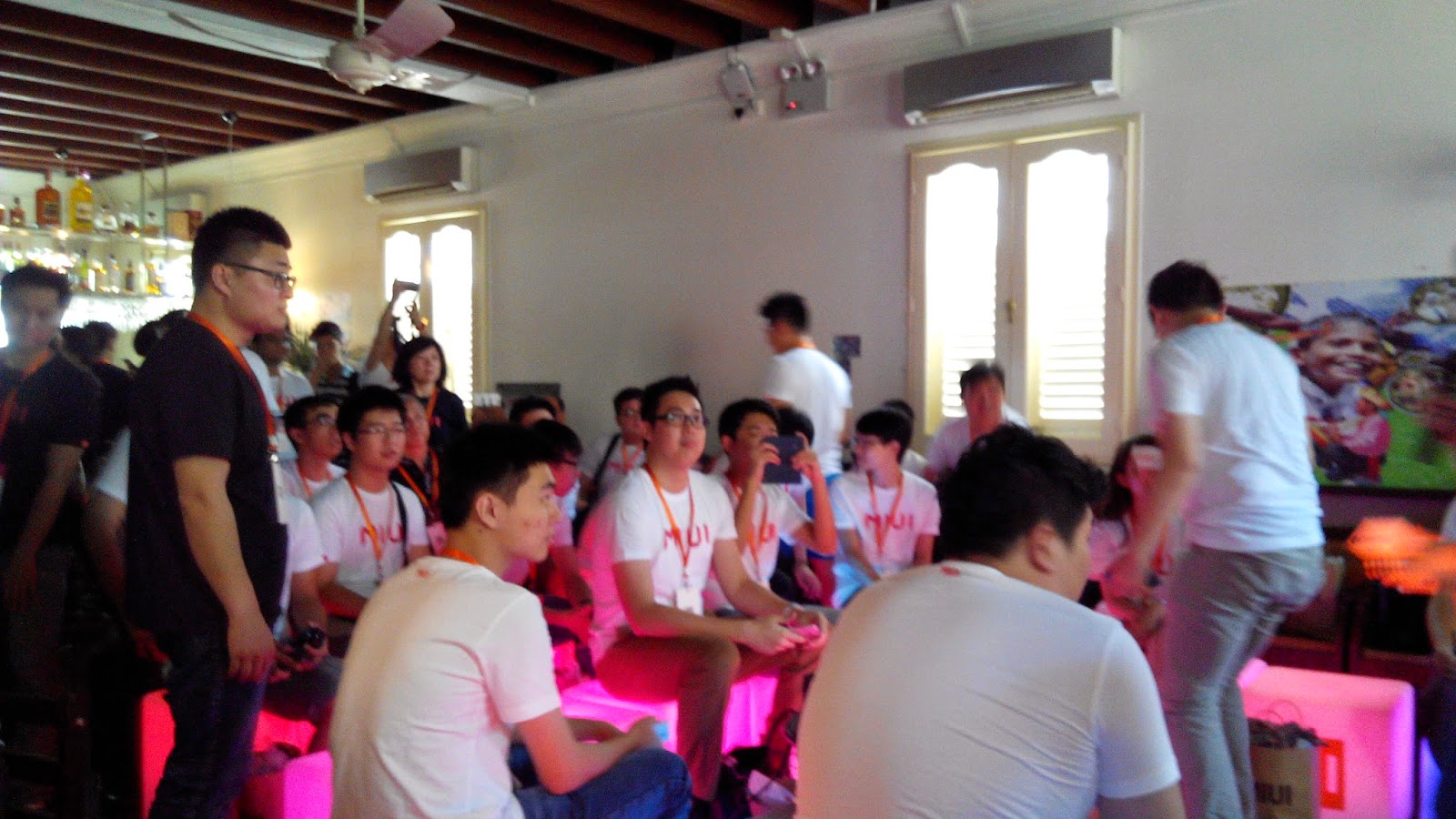
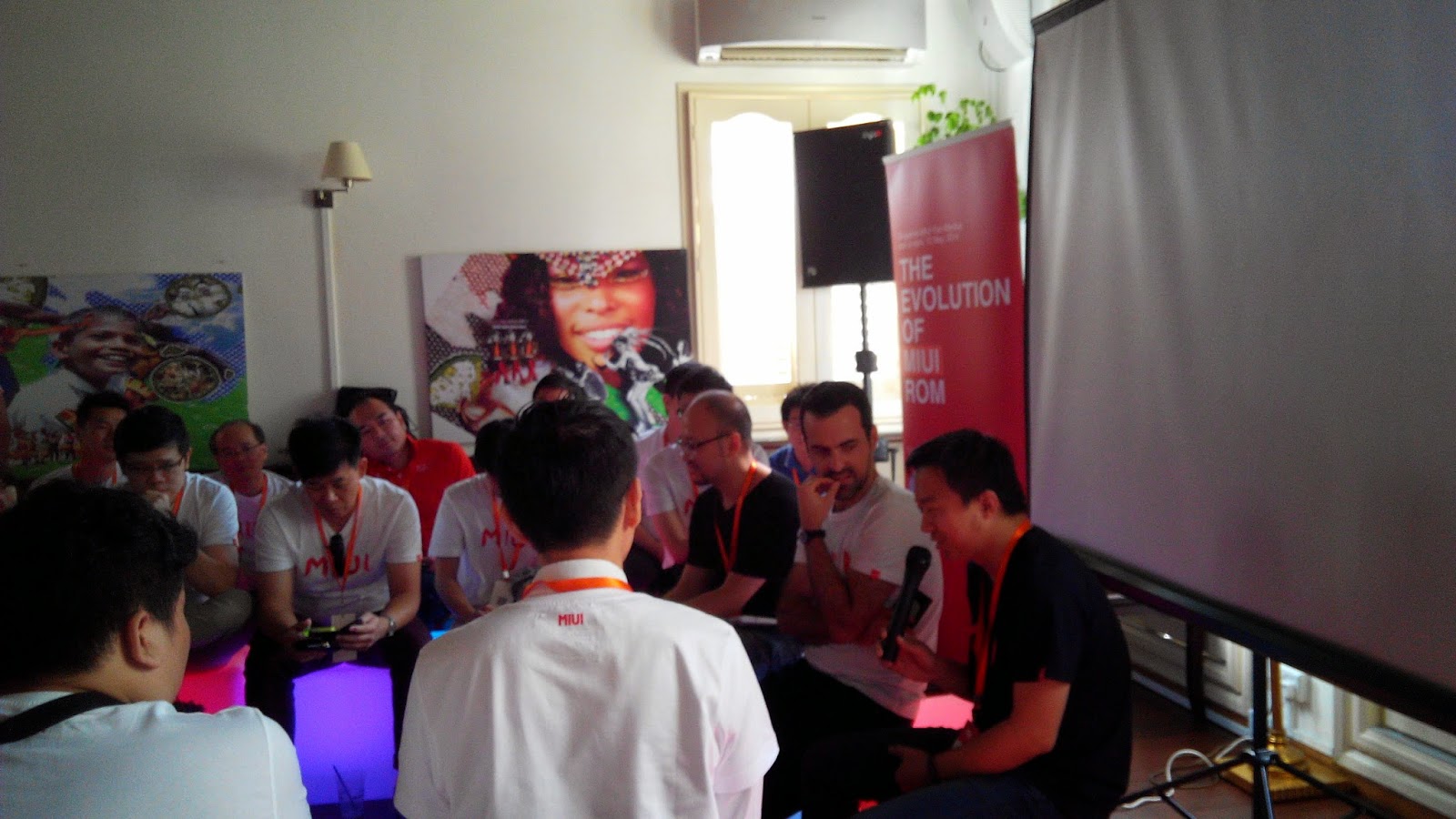
I was one of 60 fans selected to attend the inaugural Miui fan meet-up in Singapore. It is also the first fan meet-up outside China. 


I thought it was an awesome opportunity for fans to meet-up and listen from the people at Xiaomi who were going to talk about miui development and design. The meet-up at Limestone along Jiak Chuan Road was very comfy, but no beer unfortunately.


I took a picture with Hugo Barra before the event and he nicely obliged (there was a long queue for his autograph at the end of the event!) and recorded his presentation on the history of Miui. With his PR skills, I think he is going to be a key member of Xiaomi's global marketing efforts outside China. Youtube link over here.


Dexter Ren Tian was next to talk about Miui design. He was competent in English but I am sure he would have explained in deeper detail if he was delivering in Chinese. It is quite amazing to hear that Miui version 1 was only launched in 2010. With a new version of Miui every year, Xiaomi has achieved very impressive growth over a short span of 4 years. Youtube link over here.


Then there was a presentation on the nifty features of Miui by the product manager Louis for Singapore. (I stopped recording around about here because the arms were getting stiff). This was followed by Q and A with the speakers (Hugo, Dexter and Head Engineering Peter). The quality of questions was ok, but I would rate it only at 7 out of 10. I may update this article later with more thoughts about the Q and A session.


I thought Peter was pretty stressed out but that is probably because English is his second language. He probably already has like numerous features he needed to introduce into Miui V6 and hardly needed the audience to remind him (and we did). On the whole, I really thought that the Xiaomi China team tried very hard with communication in English and it is something they will do more often as they expand into other markets.

Did I mention that I was one of the lucky winners of a MiBox? That will be reviewed in another post *heh heh*. Take a look at my free gifts from this meet-up (Mi rabbit stuffed toy, MiBox, MiWifi, Miui T-shirt)


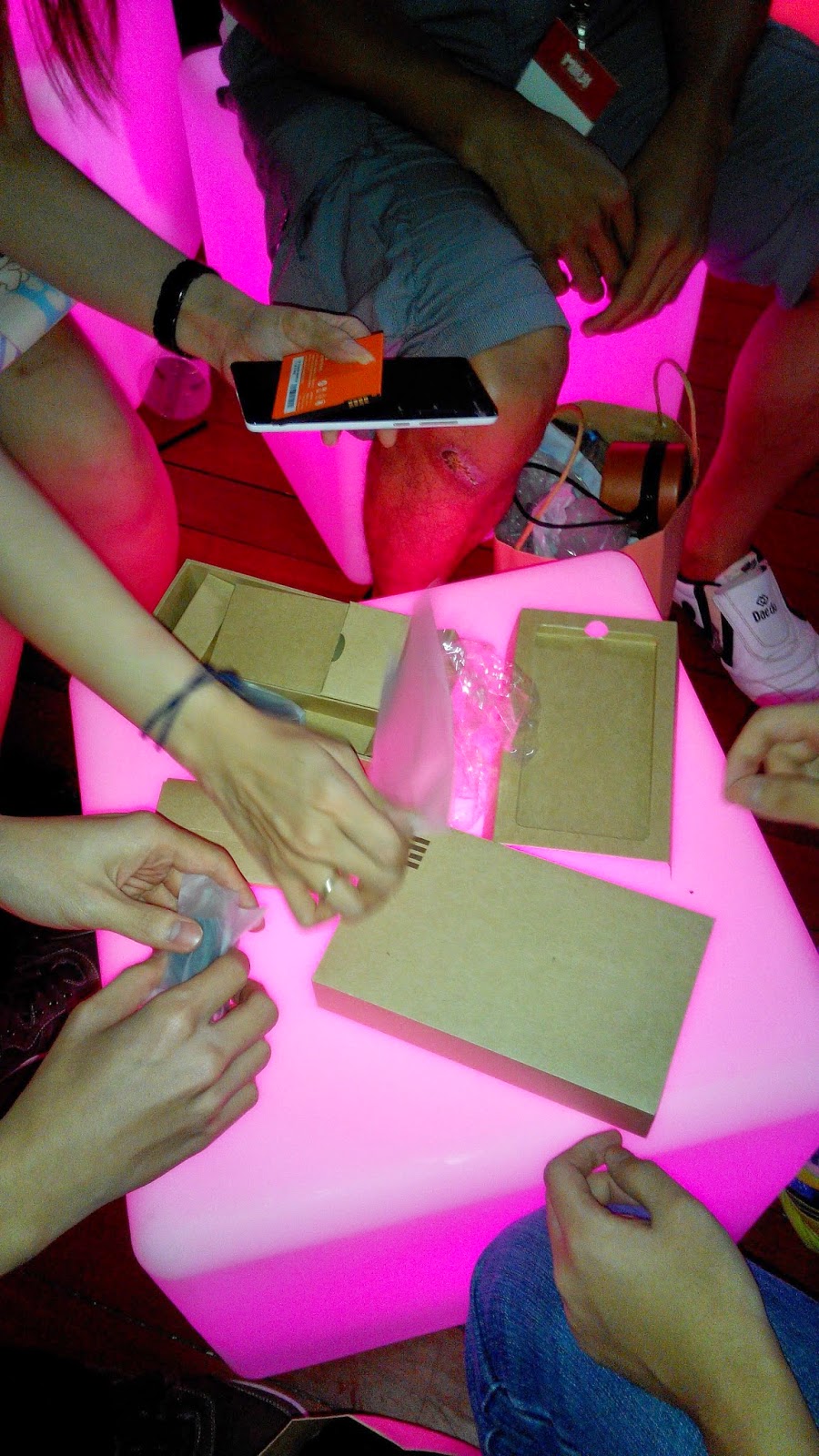
After the lucky draws, there was a Redmi Note unboxing session. The Redmi Note shown is the TD China version.


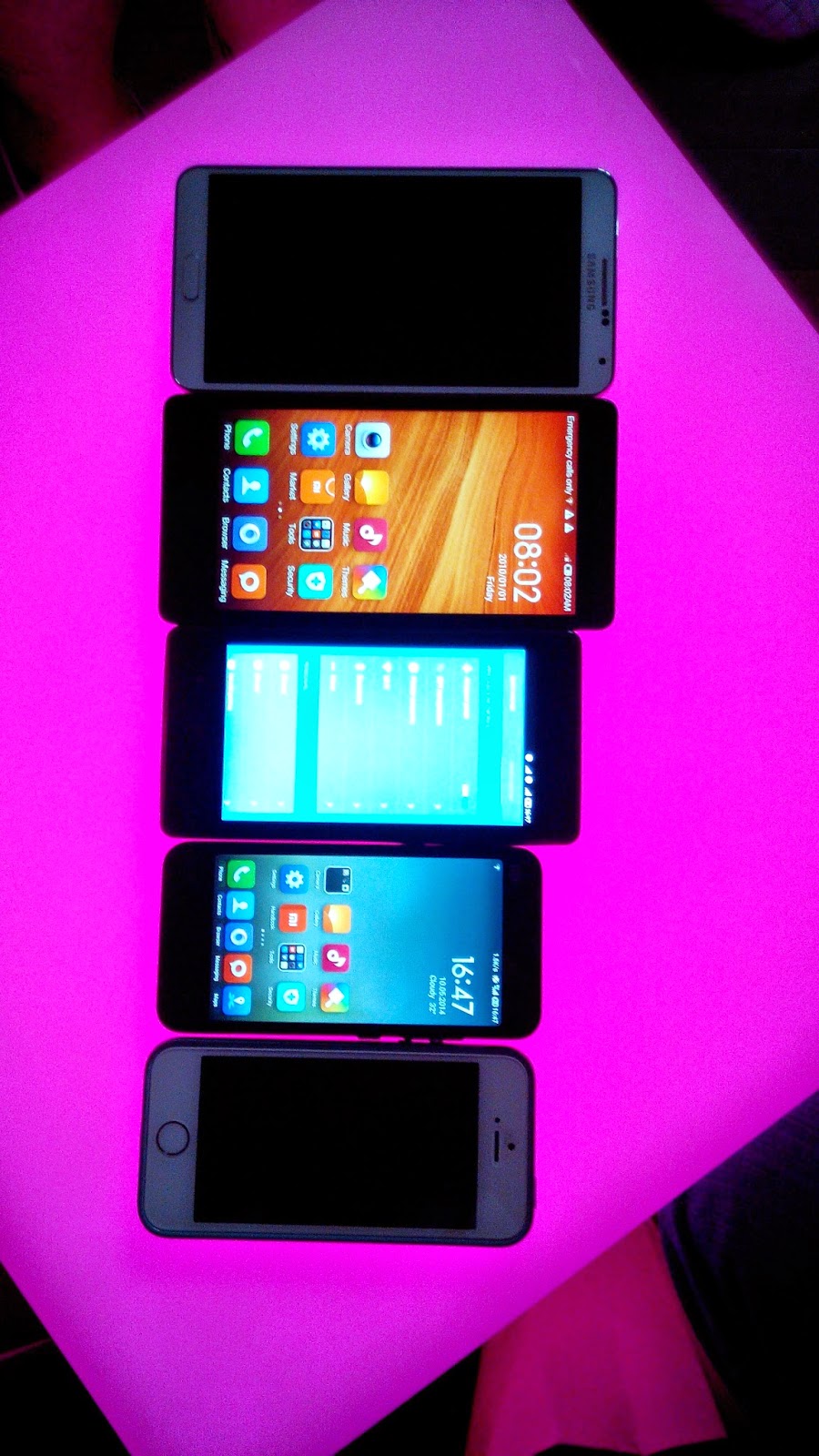
My unboxing group did a side-by-side comparison of Samsung Note 3, Redmi Note, Redmi 1, Mi2 and iPhone 5 (from top to bottom, in that order). Well, actually I thought that fans should only bring Xiaomi phones to a meet-up.


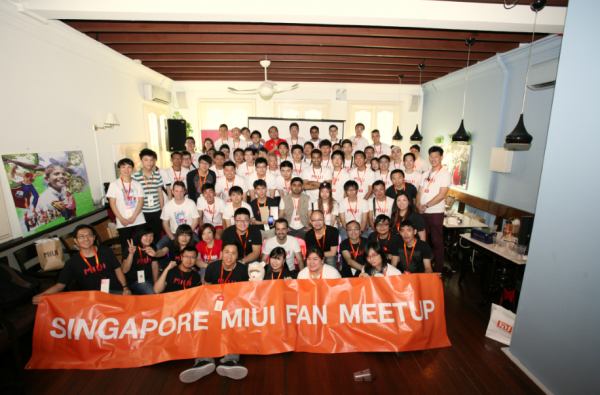
Group photo! (Thanks to Nanana and Miui forum)


Tuesday, March 4, 2014

Rooting the Redmi 红米 for Singapore version


This is the proven method for the Singapore version first launched on 21 Feb 2014 by Xiaomi (and sold out in 8 mins) with the following build under Settings > About Phone:

Model number HM 1W
Android Version 4.2.2 HM2013023
MIUI Version MIUI-JHBSGBA12.0

Updated on 25 Mar: Framaroot no longer works for updated MIUI ver 13. For updated version 13, use the proven method over here.

Nice picture from Denny (taken from Xiaomi Singapore facebook page)


Steps

1. Download and Install the Framaroot apk into your Redmi. The MIUI forum link discussing this is over here. The apk version used successfully is Framaroot-1.9.1.apk 

(Note: You need to register as a forum user to download the apk.)

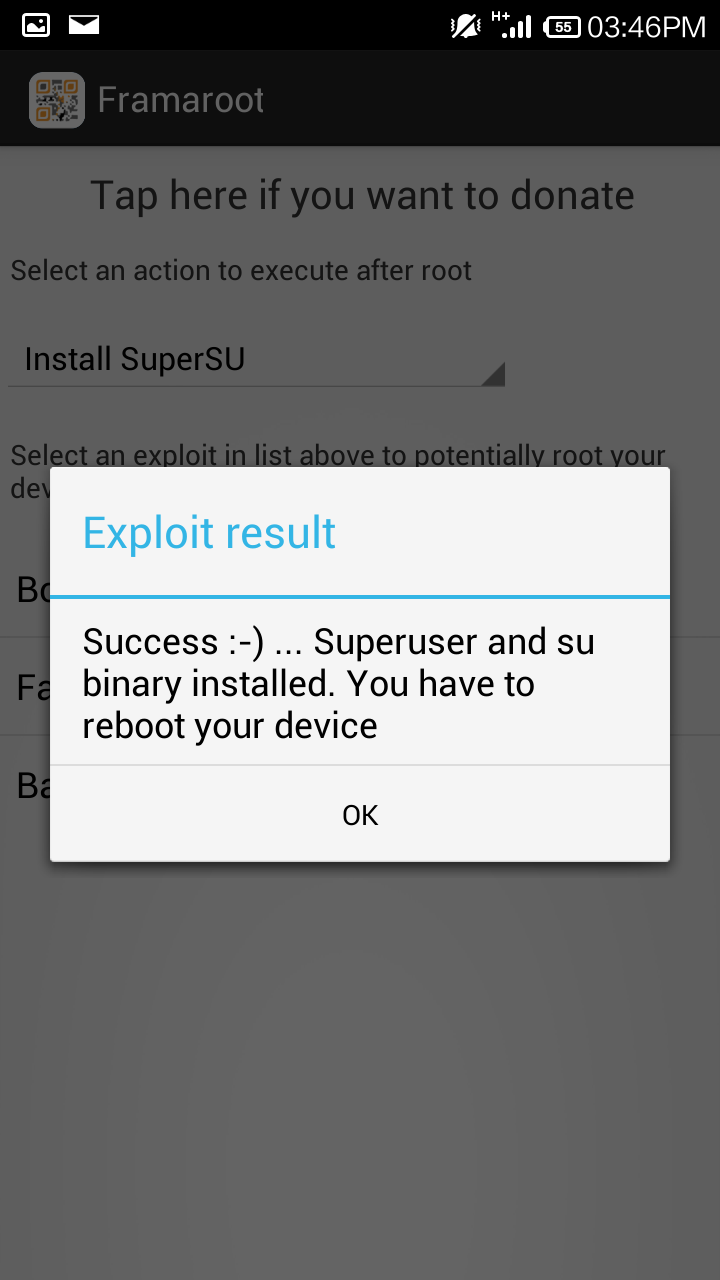
2. Choose the Barahir Exploit. (Note that besides the option to Install SuperSU, you can also choose to Unroot).


3. Reboot device after you see the Exploit Result screen.


4. You will have SuperSU installed after the reboot.


5. The main reason to root is to have the ability to move Apps to your SD card. This can be done using the app "System App Remover (Root)" over here. Photos are already saved onto SD card by default without rooting.

Note: If you need assurance or simply curious where are your apps on the SD Card, use a root browser such as the function in the app "ROM Toolbox Pro" to check the system folders that are normally hidden. In this case, the apps are under /mnt/asec. There is normally no need to change or move anything.

On the other hand, your apps in your internal or phone memory are under the folder /data/app.

6. If something goes horribly wrong and you need the original SG ROM, check over here.

For more tips, including online purchases and shipping of phones from China, read this article over here.

For a full review of the Singapore Redmi, check over here.

Update on 5 Mar 2014:

Google Playstore prompted for SuperSU to be upgraded to version 1.93. After reboot, the SuperSU and Redmi appear to function normally. However, for future prompts to update SuperSU, it is suggested not to update until it is verified to be safe. In other phones, there are reports of possible incompatibility or instability after updating.

The default in Playstore is auto-update. To disable auto-update in Redmi, it is the same with other android devices. Just go to Playstore and under Settings "..."> Auto-update apps>Choose "Do not auto-update apps".

Update on 19 Mar 2014:

62 tips over here on the MIUI V5 rom that is used on the Redmi. The custom rom can also be installed on many other phones.